
Candidate communication automation: keep hiring personal at scale
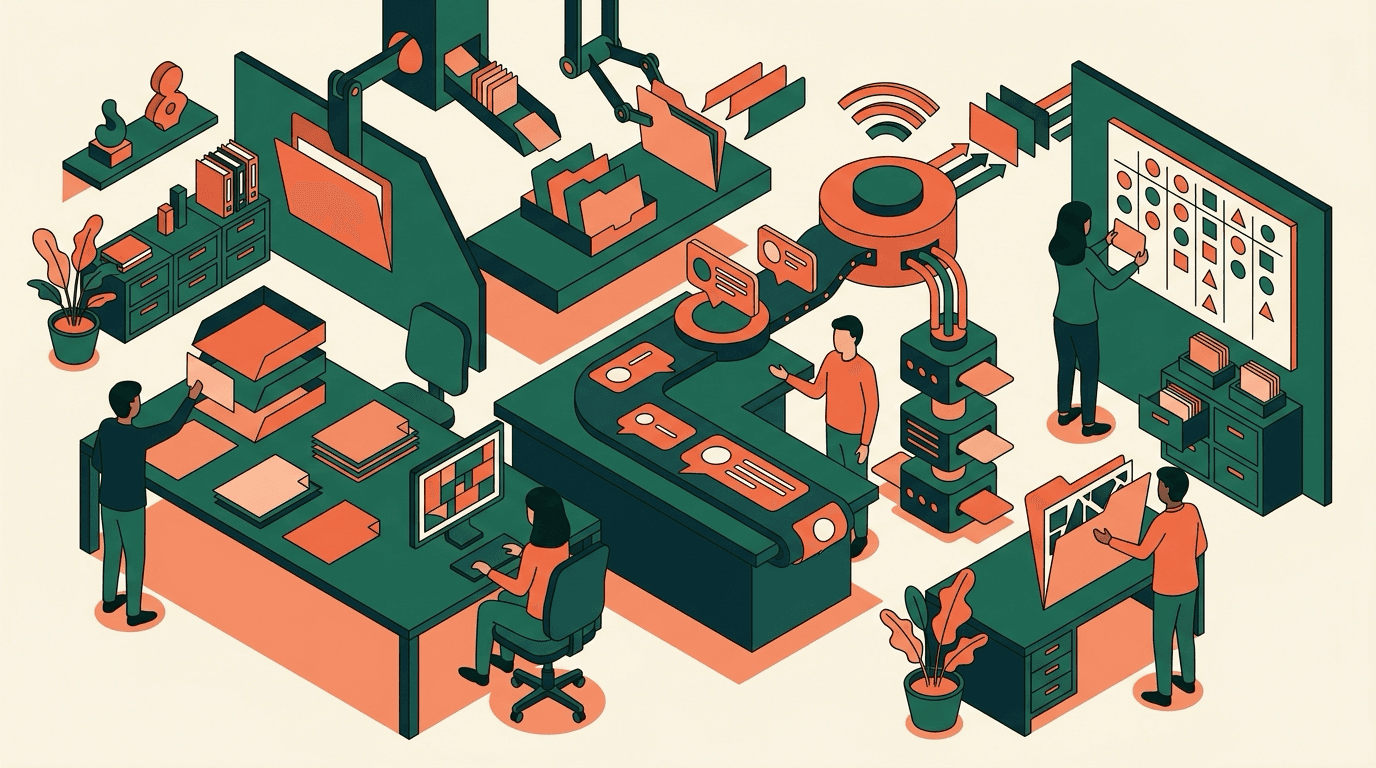
Candidate communication is one of the most underestimated parts of hiring. Teams spend time on job adverts, sourcing and CV review. Then the process goes quiet. Candidates wait for an update. Hiring managers ask for the latest status. Recruiters write the same message again and again.
Automation can reduce that pressure. It does not replace thoughtful communication. It makes recurring messages reliable, timely and consistent. The personal part stays where it matters most.
This is especially useful for SMEs. Smaller HR teams often manage several roles at once. A busy inbox is enough to delay responses. Strong candidates notice that quickly. They compare your process with other employers. They also compare it with every digital experience that feels clear and instant.
Good automation helps you avoid silence. It gives candidates a clear next step. It also gives your team a process that is easier to manage.
This guide shows how to automate candidate communication without sounding cold. It focuses on practical workflows, useful templates and sensible limits.
Start with messages that repeat
Do not start with the most complex part of the process. Start with messages that are already similar every time. They have a clear trigger and do not need individual judgement.
The first message is the application confirmation. Every applicant should know that their application arrived. The message does not need to be long. It should say that you received the application, what happens next and when the person can expect another update.
The second message is a status update after initial screening. Once your team has reviewed an application, a short update can help. For example: “We are now reviewing your profile with the hiring manager.” Or: “We will come back to you by the end of next week.”
The third area is interview reminders. Date, time, location, video link and preparation notes should not depend on a recruiter typing everything by hand. They should come from a structured workflow.
Rejection emails are more sensitive. They can still use templates, but they need more care. A generic rejection after a detailed interview can feel disrespectful. Use templates as a starting point, not as a shield.
Map the communication journey
Before you configure tools, map your current process. A simple list is enough. Write down every point where a candidate needs a message.
Common stages include:
- application received
- missing documents
- screening in progress
- question for the candidate
- interview invitation
- interview reminder
- update after interview
- rejection
- offer or next step
- talent pool follow-up
Then mark the messages that repeat. For each stage, ask one question: does a person need to write this from scratch? Or can a reviewed template handle most cases?
This helps you find the right automation points. It also prevents a common mistake. Some teams make the internal process faster, but the candidate still feels confused.
Prioritise transparency first. Improve speed second. A fast but vague message is not a good candidate experience.
Write templates that sound human
Many automated recruiting emails sound like system notifications. That is usually not the tool’s fault. It is a template problem.
Write short messages. Use plain language. Say exactly what happens next. Avoid using the same corporate line in every email. It may be polite, but it often feels interchangeable.
A good application confirmation could say:
Thank you for your application. We have received your documents and will review them now. You will hear from us by next Friday at the latest. If we have any questions, we will contact you sooner.
This is friendly and specific. The candidate knows that nothing was lost. They know the next step. Your team has also made a realistic commitment.
Rejection emails need careful wording. Be honest, but avoid unnecessary judgement. Do not say that someone “does not fit” when a must-have criterion was the main issue. A better line is:
For this role, we have decided to continue with candidates whose experience is closer to the current must-have criteria.
That wording is clearer and fairer. It also avoids subjective language that may be difficult to explain later.
Keep personalisation under control
Automation can become risky when too many fields are inserted automatically. Wrong names, wrong roles and strange references damage trust quickly.
Use variables only when the data is reliable. Name, role, application date, interview time and contact person are usually safe. Be more careful with assessment details. A score or internal note should not automatically appear in a candidate email.
If you want to include individual reasons, add a human review step. That is not a failure of automation. It is a sensible guardrail.
A useful rule is simple: if a message could surprise, upset or legally affect someone, review it before sending.
For small teams, the best setup is often hybrid. Standard updates go out automatically. Sensitive messages are drafted and then approved by a recruiter.
Build privacy into the process
Candidate communication uses personal data. That means your process needs clear purposes, sensible access controls and good records. GDPR and UK GDPR principles include transparency, purpose limitation and storage limitation.
This does not mean every email needs legal language. It means your team should know why a message is sent and which data is used to send it.
Check these points before automating:
- Who can view and send candidate messages?
- Which templates apply to which role or stage?
- Which data fields are inserted automatically?
- How long are messages and application data retained?
- How are access, correction or deletion requests handled?
Avoid hidden automation. If AI or automated scoring supports your process, the workflow should remain explainable. Candidates do not need every technical detail. They should understand that their application is reviewed in a structured process and that people make the decision.
HireSift supports this separation. It helps structure profiles, criteria and candidate status. Your team still keeps the decision. Communication can build on that structure without exposing internal assessments too early.
Define response times before you automate
Automation does not fix a broken process by itself. If nobody owns the next action, the system only sends nicer delays. That is why you need internal response times.
Set a target for each stage. An application might be reviewed within two working days. A hiring manager might give feedback within three days. After an interview, the candidate should receive an update within a defined window.
Keep these targets realistic. A small team should not promise a speed it cannot maintain. A clear and honest timeline is better than an impressive promise that fails later.
Automated reminders can help. Start with internal reminders. Remind hiring managers when feedback is overdue. Remind recruiters when a candidate has waited too long. External communication improves when the internal workflow is clear.
Measure signals that show whether it works
You do not need a large reporting setup. A few simple signals will show whether communication is improving.
Track the time to first response. Review how often candidates wait longer than planned after an interview. Count how many manual status-chasing messages your team still sends.
Also look at qualitative signals. Do candidates reply with confusion? Do they ask for updates even after receiving a message? Do hiring managers say they lack context? If so, speed is not the only issue. The message may be unclear.
Use this feedback to improve templates. Automation is not a one-off project. It improves when you review wording, triggers and timing regularly.
Common mistakes to avoid
The first mistake is automating too much. Not every message should go out without review. Rejections after interviews need context. Complex questions need a person.
The second mistake is unclear ownership. Templates become stale if nobody maintains them. Then they contain old timelines, old contact names or wording that no longer matches the process.
The third mistake is marketing language. Candidates do not need a newsletter. They need to know where they stand. Be specific rather than polished.
The fourth mistake is poor status hygiene. If the status in the tool is wrong, the best template will still send the wrong signal. Status updates and candidate communication must be part of the same workflow.
A practical one-week rollout
You can start small. On day one, collect the candidate emails your team already sends. On day two, assign each email to a process stage. On day three, rewrite three templates: application confirmation, status update and interview reminder.
On day four, define triggers. When should each message be sent? Which messages need approval? On day five, test the process with one role.
Then run it in a real hiring process. Watch which questions candidates ask. Review the templates after two weeks.
If you use HireSift, you can keep applications, status and criteria in one place. That makes communication easier. It does not replace your tone of voice. The best automated messages still sound like your team.
Example workflow for an SME
Imagine a small operations team hiring for a customer support role. The application form sends a confirmation immediately. HireSift imports the CV and structures the profile. The recruiter reviews the criteria and moves the candidate to the next status.
If the profile is promising, the candidate receives a short message. It says the team is reviewing the application with the hiring manager. If information is missing, the recruiter uses a prepared request and adds one personal sentence.
After the interview, no automatic rejection is sent. Instead, the system reminds the recruiter to update the candidate. The recruiter chooses the right template and edits the reason.
This workflow is simple. It removes repeated typing. It also keeps human judgement in the moments that need it.
Conclusion: automation makes good communication dependable
Candidate communication automation is not about removing people from hiring. It is about setting reliable standards. Candidates get clarity sooner. Your team spends less time on repetitive writing. Hiring managers see where the process stands.
The key is restraint. Automate clear and recurring messages. Review sensitive content. Keep templates short and concrete. Build privacy into the workflow from the start.
Done well, automation does not make hiring colder. It makes your process more professional, fair and predictable.
Candidate data stored in the EU. AI processing on EU infrastructure.
CVs and profiles are stored permanently in Frankfurt. AI analysis runs in Paris or Belgium — encrypted, transparent, and without model training.
Request demoRelated Articles

Recruiting KPIs for SMEs: which numbers actually help
Recruiting KPIs help you find bottlenecks in the hiring process and make clearer decisions with your team.

How to automate your hiring process without losing control
Hiring process automation works when clear criteria, timely communication and human decisions stay connected.

Recruiting automation for SMEs: what actually saves time
Recruiting automation works best when it removes clear bottlenecks. This guide shows which steps SMEs should automate first.